Do the setup once.
Restore your backup into a saved starting copy, then reuse it for new environments. Spend less time repeating database preparation for each developer or test.
Less repetitive setupSQL Server cloning. On your infrastructure.
Give every developer an isolated SQL Server clone on your own infrastructure. Mask selected sensitive fields or generate fictional test data, then save the database for your next test.
eddb create dev --base team-base
Built for the stack
you already know.
What your team gets
Give development and QA their own databases, without repeating the same restore for every new environment.
Restore your backup into a saved starting copy, then reuse it for new environments. Spend less time repeating database preparation for each developer or test.
Less repetitive setupGive each developer or tester a separate clone. One person can change data or test a migration without overwriting another person’s database changes.
Independent work, fewer shared-data conflictsReset a clone to the same starting data for your next test. Its connection settings stay the same, so your tools can reconnect without reconfiguration.
A repeatable starting pointFeature development, QA, and migration testing can each use a separate copy of the same starting database.
See how it worksBuild a reusable base from your backup. Create separate SQL Server environments from that base, with storage that grows as data changes.
eddb build-base team-base --bak ./seed.bak --size 200GRestore a backup into an immutable base. Your clones will start from this same point.
Examples assume an installed, licensed host with storage initialized. Read the setup guide
Preparing a reusable dataset
Create a clone from an empty base or one that already contains prepared data.
Fill empty tables with fictional data, or inspect an existing dataset and mask the fields you choose. Review the proposed changes before applying them.
Connect with your SQL client or application and try your test scenarios. Check that the records and relationships work as expected. Reset the clone to its base when you want to start again.
Publish the prepared database as a base for your team's next clones.
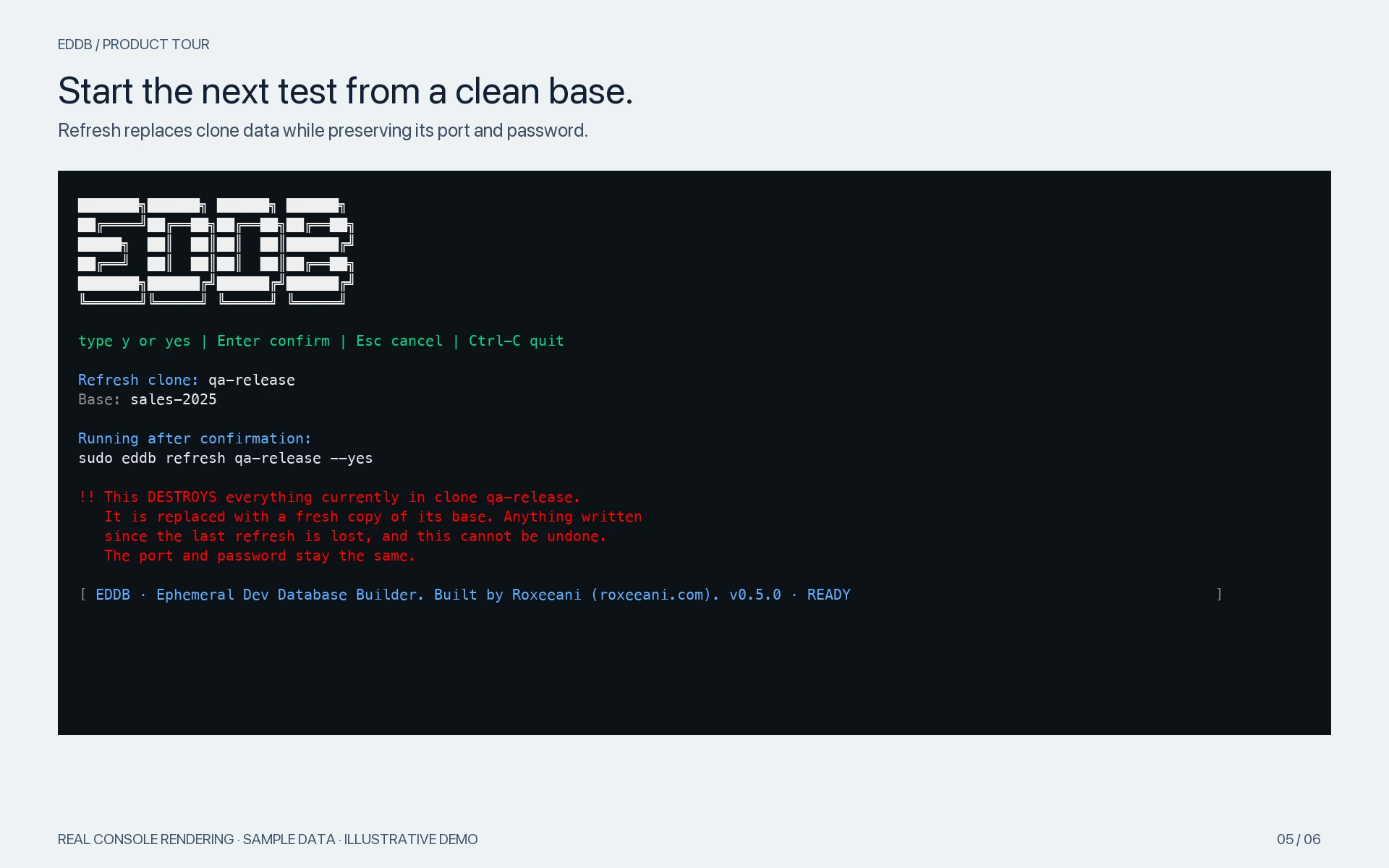
Resetting a clone discards its changes. Save a schema-only base first if you want to keep your custom schema while trying different datasets.
Give development and testing their own space, without restoring the same backup for every new environment.
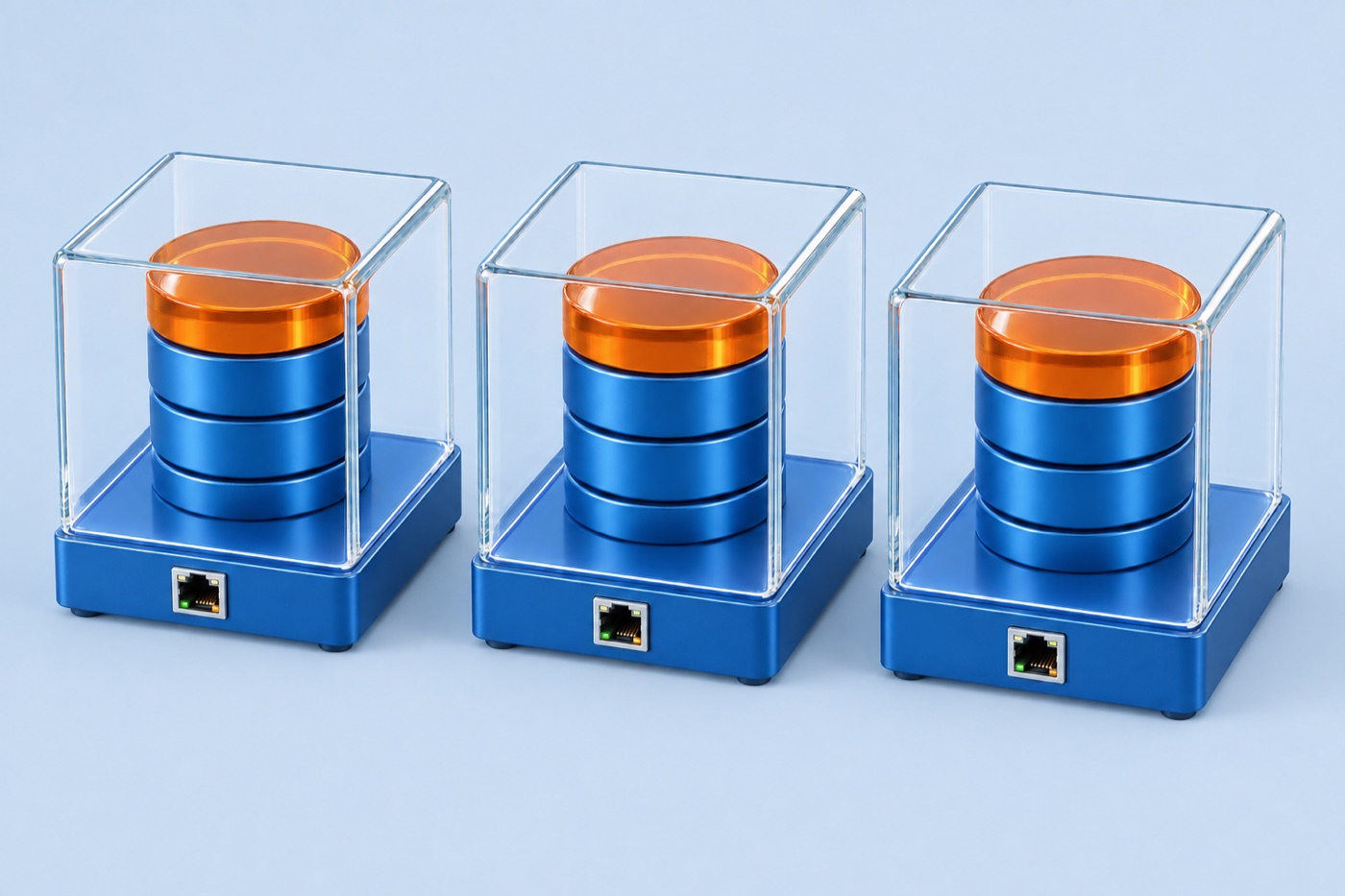
Each clone gets its own SQL Server connection and generated password. Changes in one clone stay in that clone.
Development. QA. Your next experiment.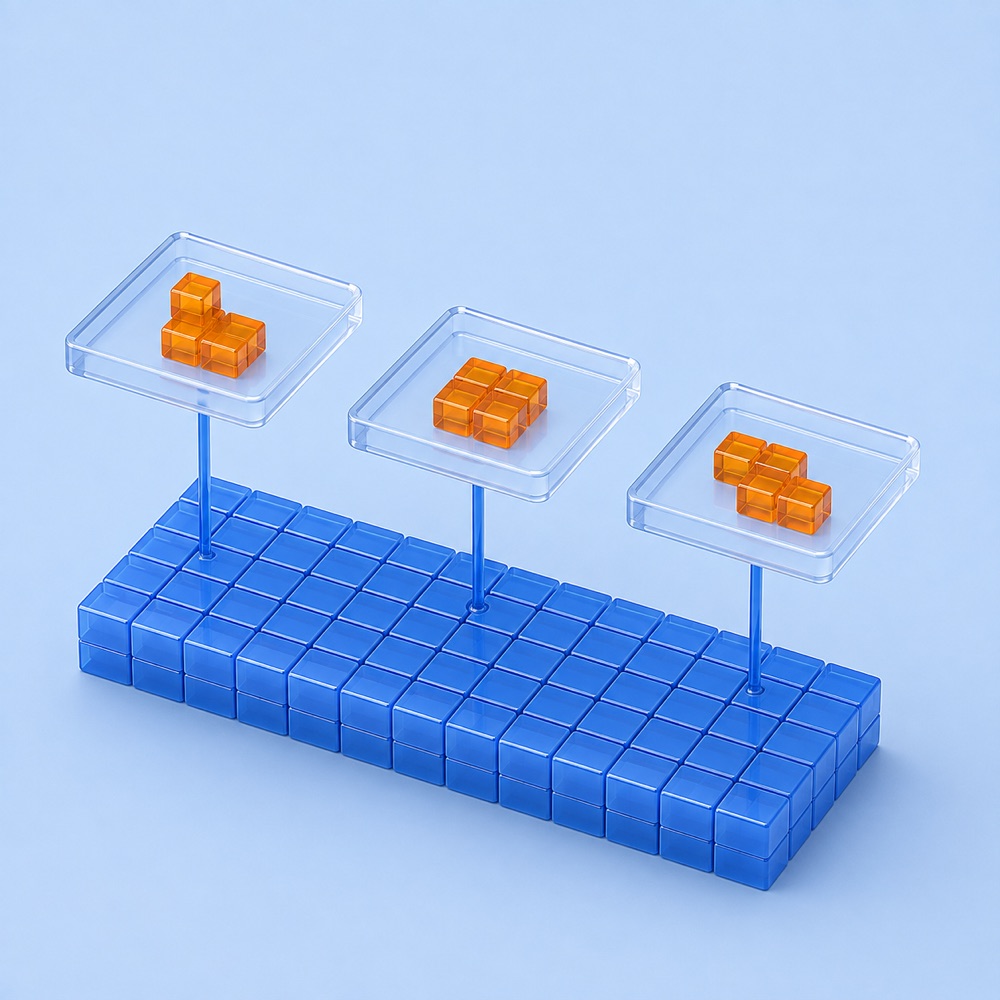
Create more environments without a full database copy for each one. Additional storage grows with each clone’s changes.
Monitor real capacity witheddb usage.
Set CPU and memory limits per clone. Keep your database environments on infrastructure you control.
Explore the requirementsPrepare your data
Start with a database backup or an empty clone. Use your usual SQL tools to check the data you prepare, then save it as a base your team can reuse for development and QA.
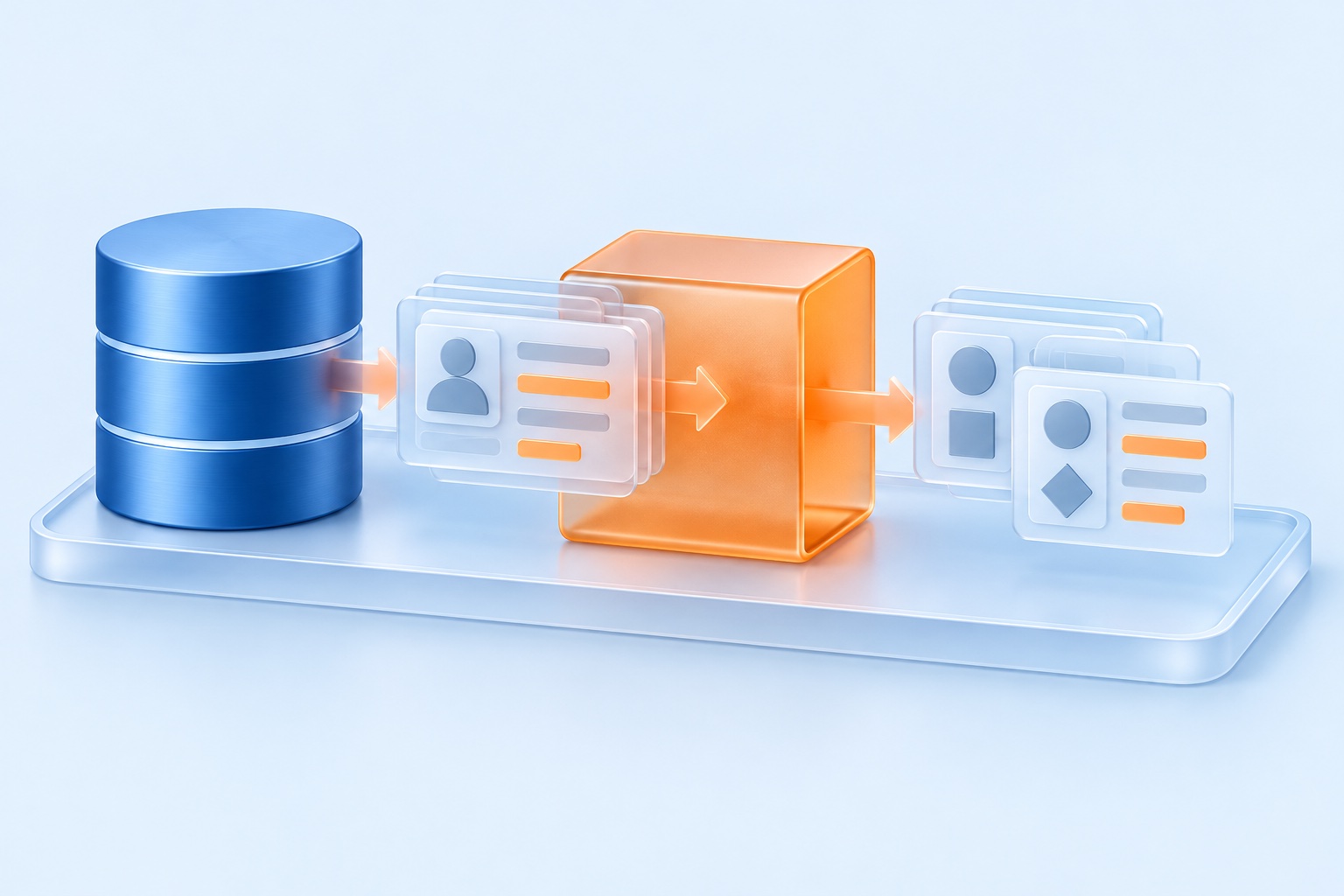
Bring a production SQL Server backup (.bak) and mask a copy for development and testing. Local AI assistance recommends rules for names, emails, phone numbers, addresses, and identifiers. You review and approve the rules before applying them. Your backup and data stay in your environment, and AI-assisted masking makes no calls to external AI services.
Choose which changes to apply, then validate the results.
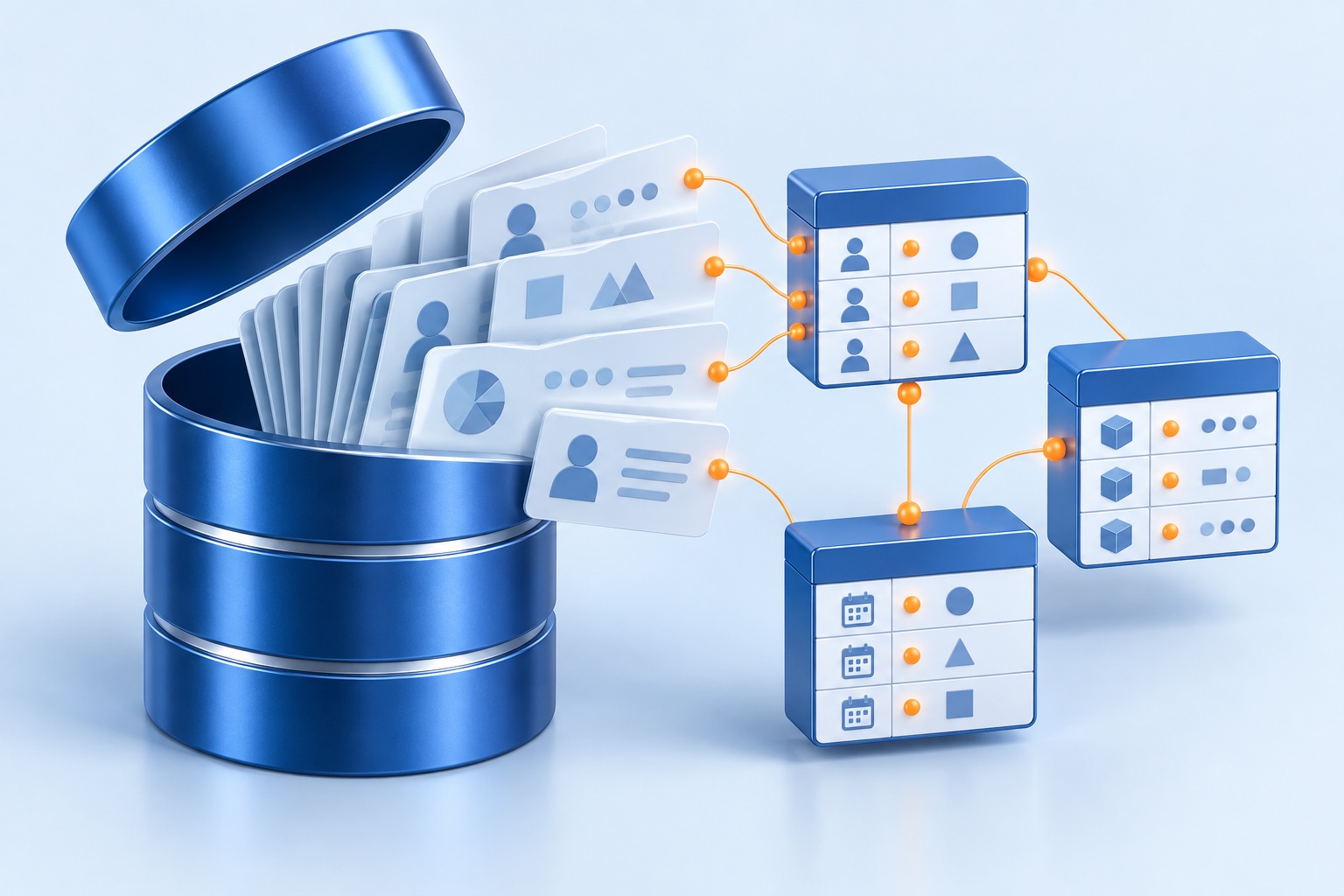
Describe the tables and scenarios you need, or start with a template. You can also generate data for an existing supported schema. EDDB creates varied records with fictional names, matching test emails, and links between tables. It calculates totals and keeps dates consistent where it recognizes those patterns.
Check the proposed structure and sample records before generating data.
Use AI assistance to draft a database structure, suggest test records, or recommend masking rules. All AI processing runs inside your environment. It makes no calls to external AI services and sends them no data. You review and approve each proposed change. You can also use templates and generate test data without AI.
Your data stays in your environment throughout AI processing.
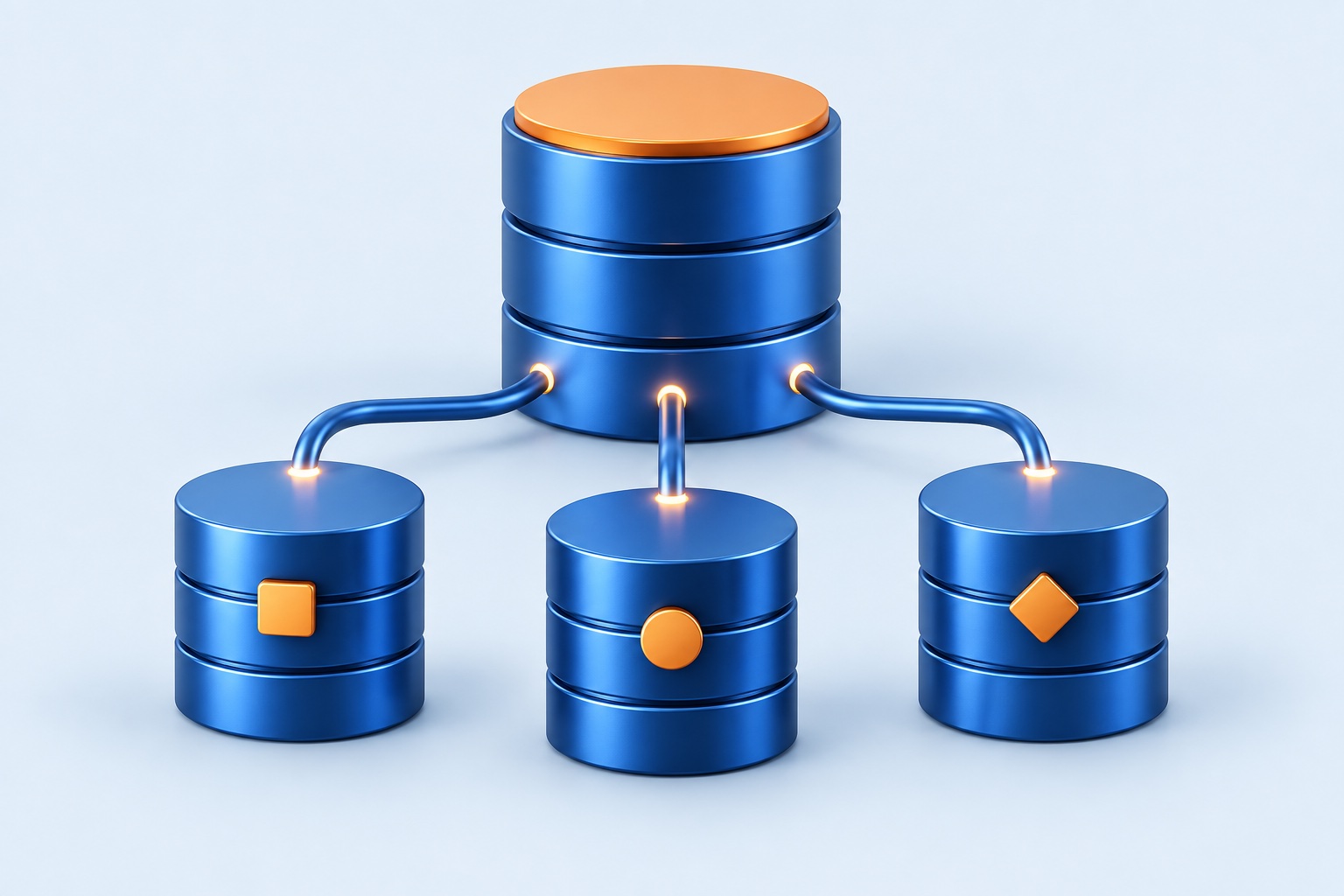
Connect your application to the prepared clone and test it. Once the data works for you, publish the database as a new base. Your team can create separate clones from it for development, QA, and demos.
Each test gets its own clone of the data you prepared.
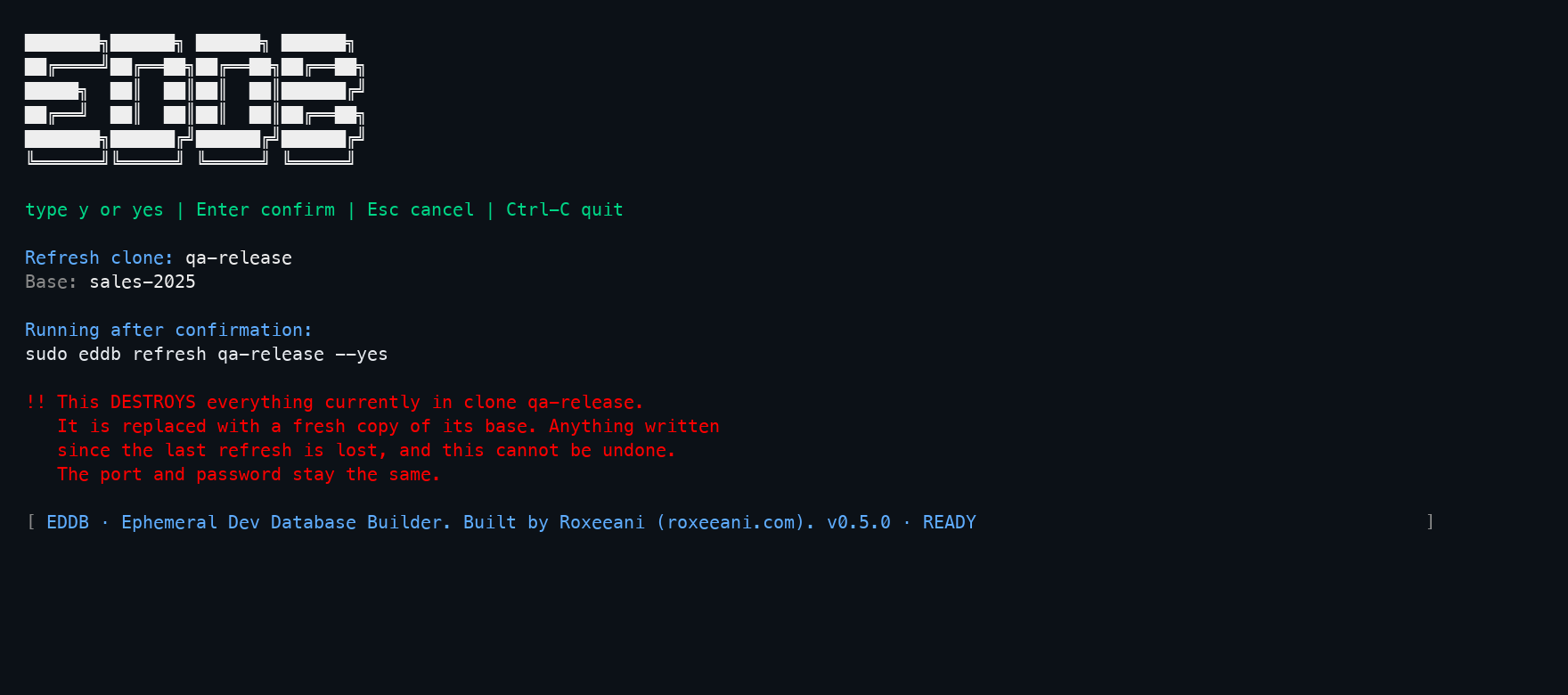
The freedom to try again
Done experimenting? Reset your test database to its saved starting copy, called a base. This discards the clone’s changes while keeping its port and password, so you can reconnect with the same settings.
Explore refreshClear setup, practical commands, and a defined operating boundary.
A practical walkthrough
Everything you need to go from an empty host to your first SQL Server clone, with commands you can follow along.
Yes. Create your schema with your usual SQL tools. EDDB can inspect supported tables and relationships and propose a plan to fill empty tables. You review the plan before it runs. The guided workflow cannot import pasted SQL scripts, and it may not support complex database features.
No. Masking templates and deterministic test data generation work without AI. AI assistance can help you describe a new database, suggest sample records, and choose masking rules.
All AI assistance runs inside your environment, including masking recommendations. It makes no calls to external AI services and sends them no database information. For masking, AI reviews the database structure and findings about data patterns. It does not receive raw records or database passwords.
No. Recommendations help you find fields that need review. They do not replace a full privacy assessment or certify compliance. Your team must check the masking coverage and validate the data before sharing it.
Yes. Inspect a running EDDB development environment, review the recommended masking rules, and approve the changes you want. You can then publish the database as a new base. EDDB builds fresh storage from the supported schema and current rows. It does not copy the source database pages or transaction logs.
EDDB checks supported relationships and constraints. It also handles patterns it recognizes, including quantities, prices, totals, and date ordering. You still need to check your application's business rules. Review and revise the proposal as needed, then test the generated data in your application.
eddb is licensed for internal development and testing, including isolated feature work, QA, and migration experiments. It is not licensed for production database workloads or redistribution.
No. Creating a clone does not duplicate the entire database. Each clone consumes additional physical storage as it writes changes. The total clone count is still limited by the host’s CPU, memory, storage, and available ports.
An Ubuntu 24.04 LTS or newer VM (also tested with Ubuntu 26.04), with enough CPU and memory for your clones, sudo access, and a dedicated empty data disk. The installer handles the prerequisites. A current eddb license is required to provision capacity; you remain responsible for SQL Server licensing, firewall rules, backups, and data security.
Yes. Storage initialization normally builds empty default SQL Server 2022 and 2025 bases, so you can create a first clone without bringing a backup. This requires the normal licensed host setup.
No. Your databases run on your own VM. eddb does not monitor or secure the environment for you; you manage access, backups, and capacity.
Inside eddb
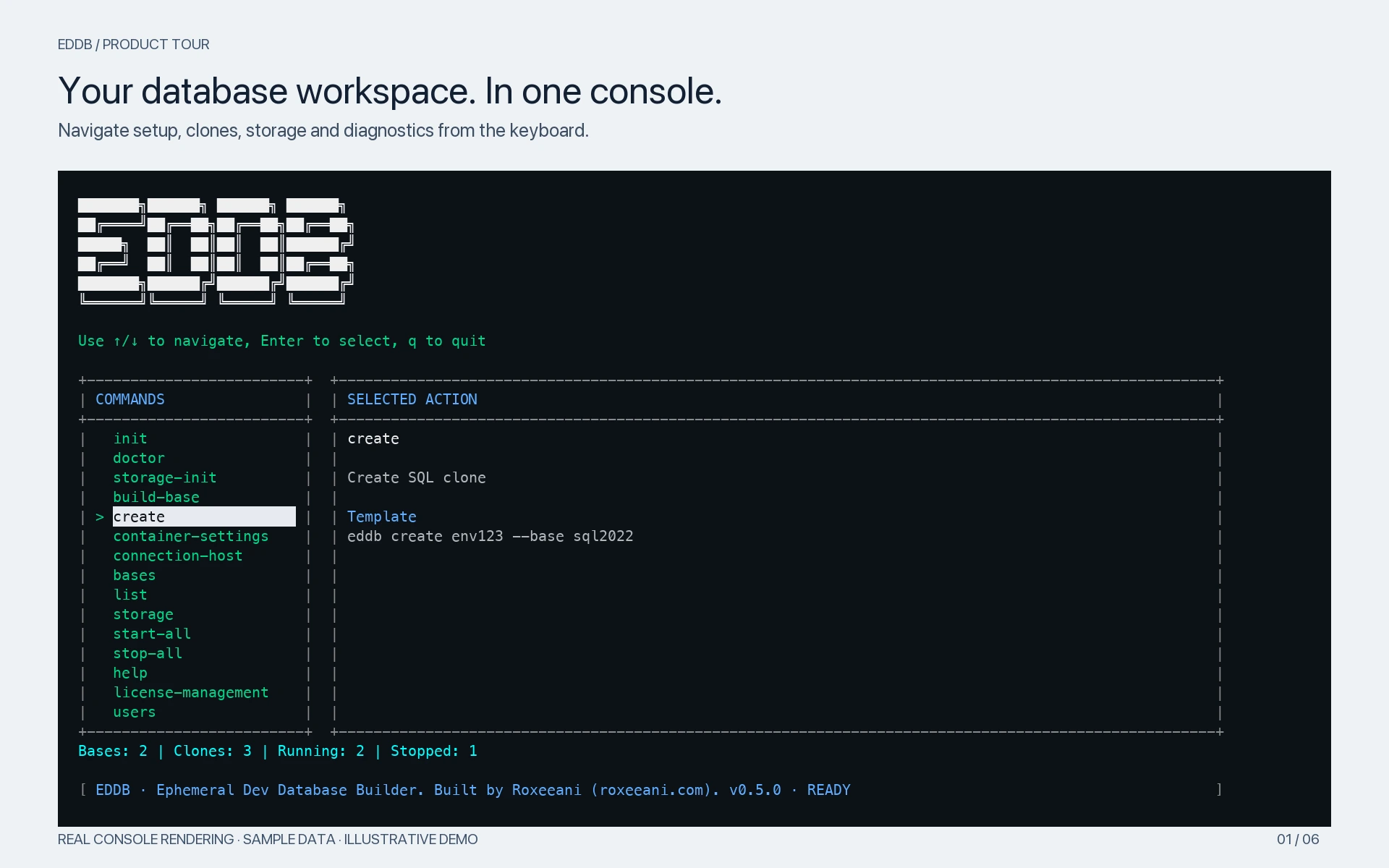
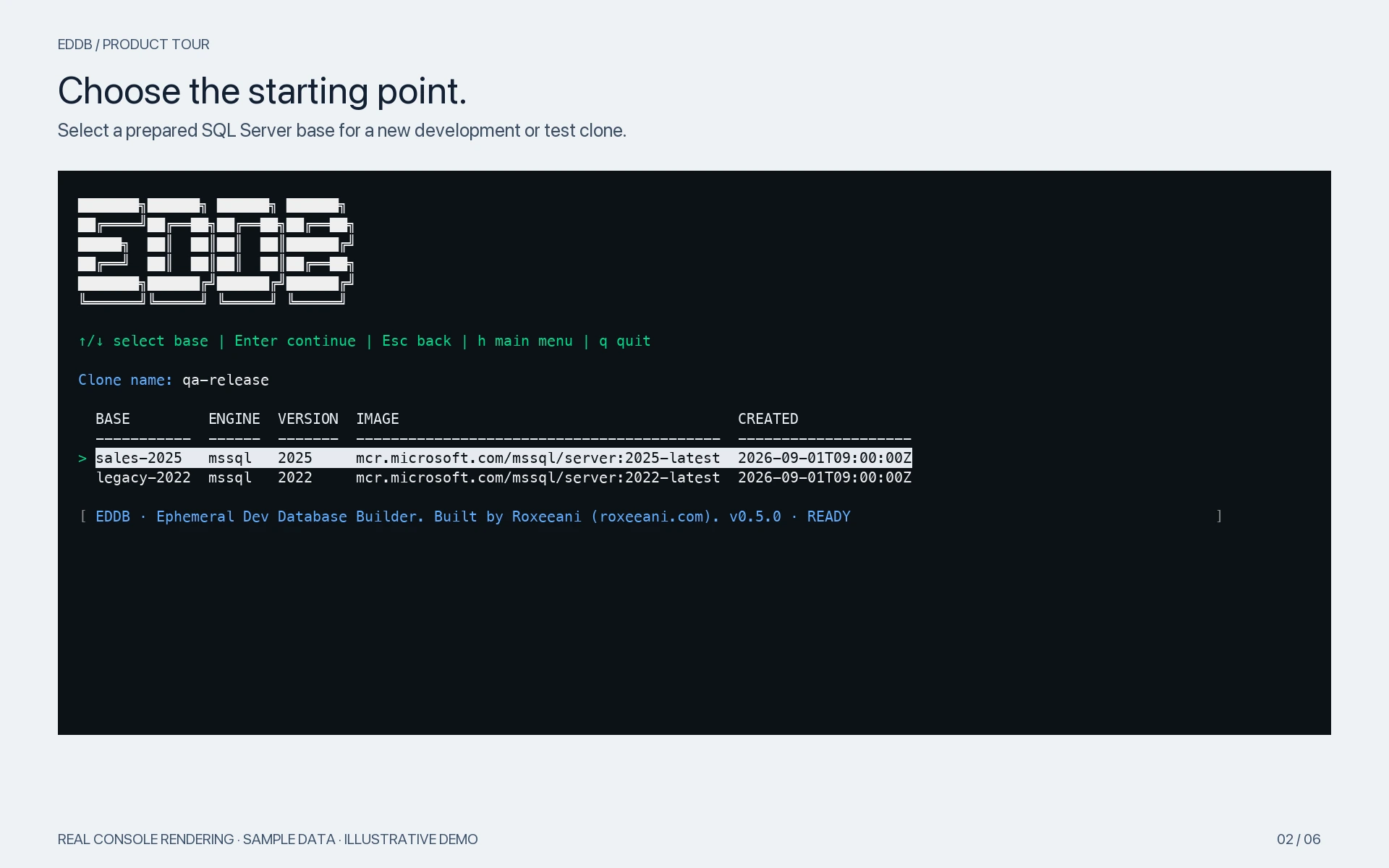
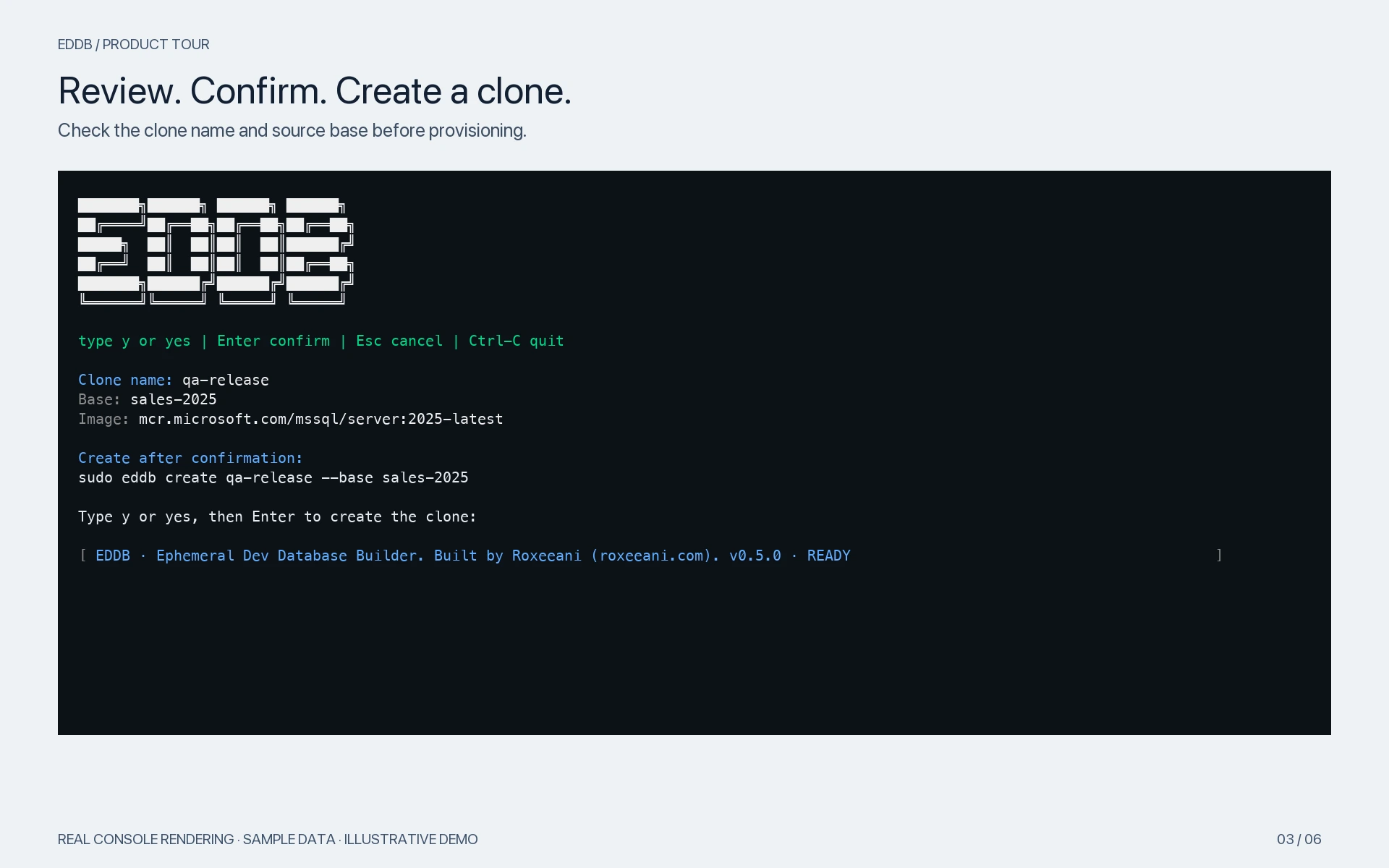
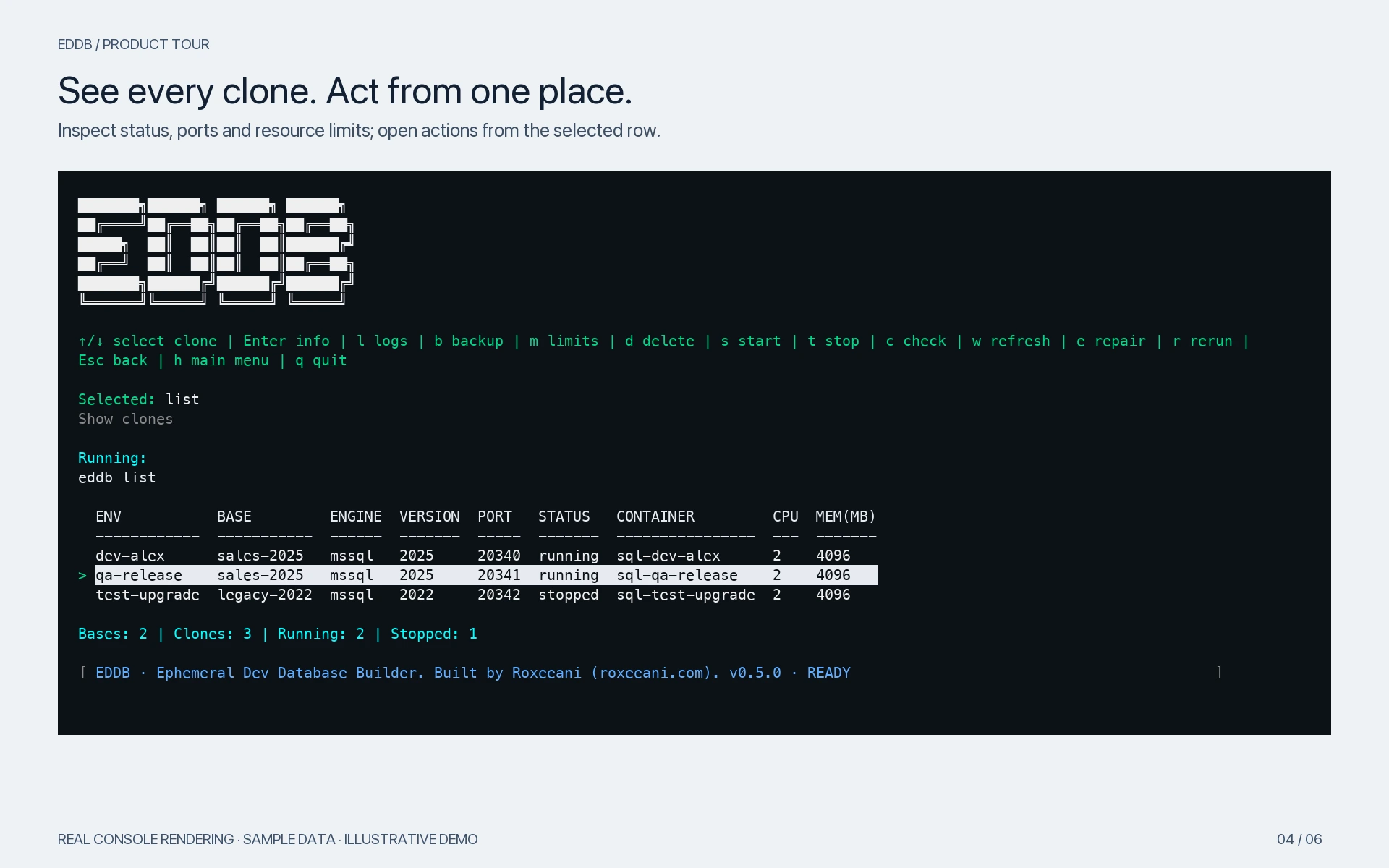
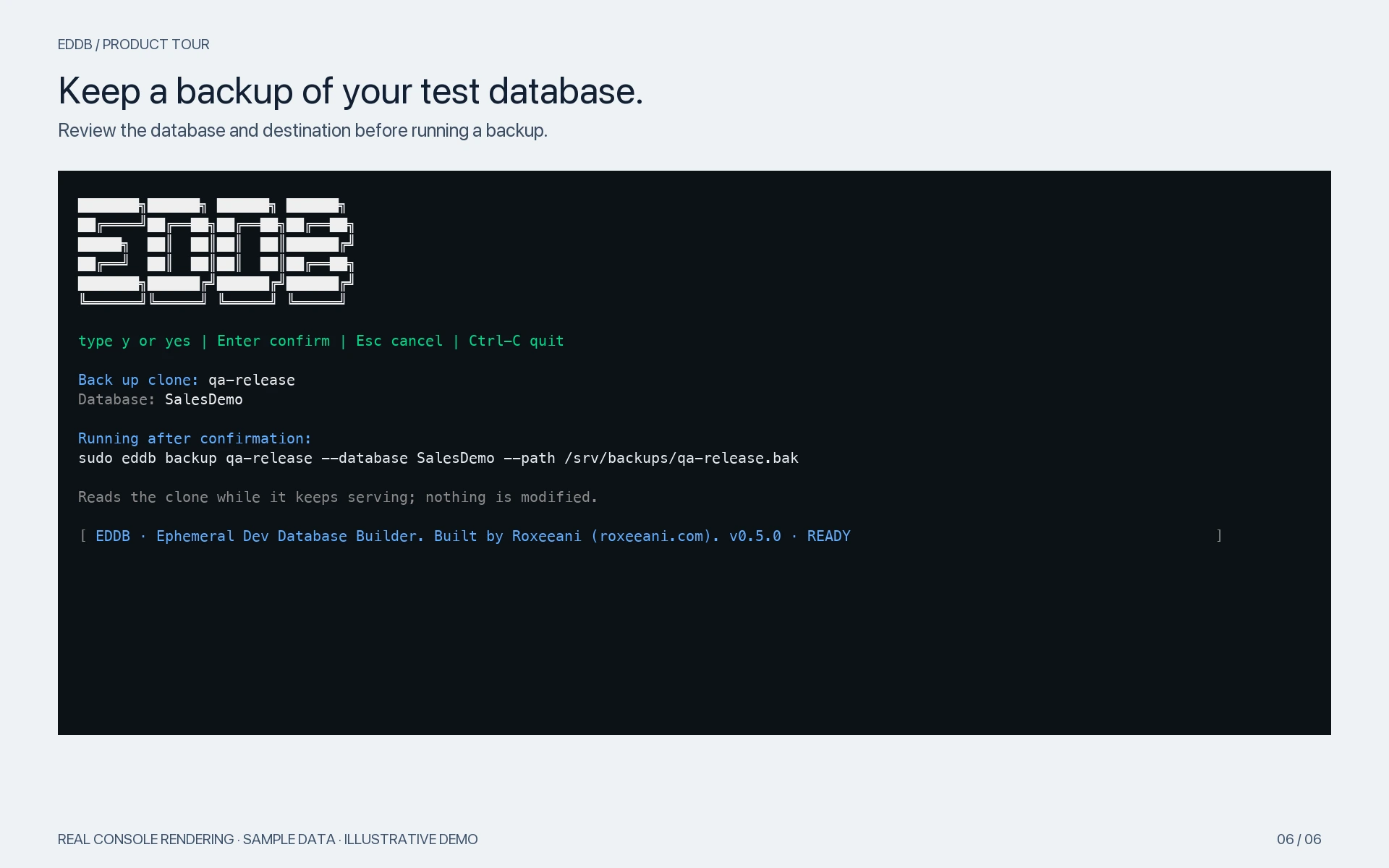
From your first base to your next clean test. Explore the screens that help you create and manage your database environments.
Want to see the full workflow?
Tell us how your team uses SQL Server for development. We can walk you through cloning, masking, and preparing test data with an example that fits your workflow.
For internal development and testing.